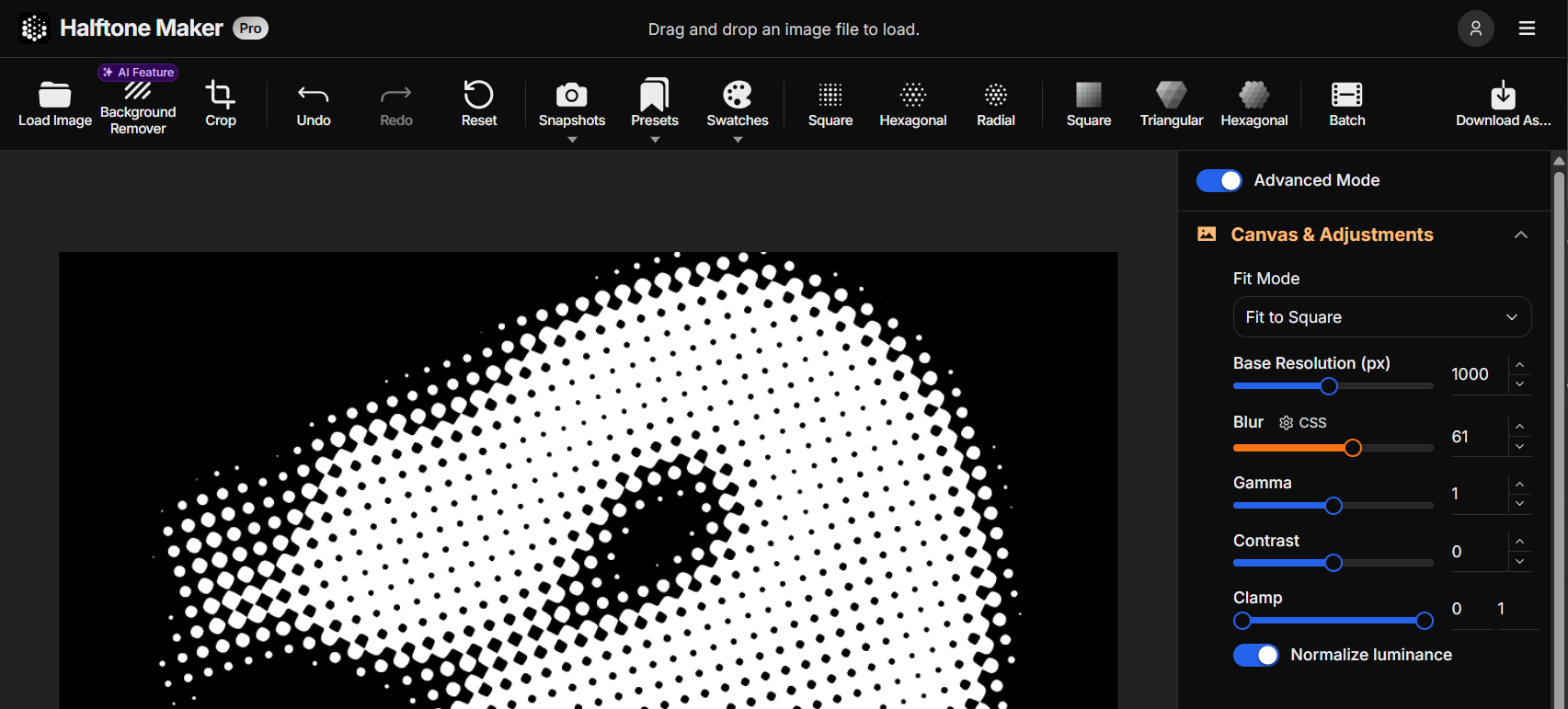
The mobile editor now uses a natural top-to-bottom layout — Navbar, Toolbar, Canvas, and Controls flow vertically instead of using fixed positioning. The canvas fills the available space more efficiently.
🎚️ Better sliders on mobile and tablet
Sliders on mobile and tablet now use a thumb-only drag interaction. While dragging, the current value is displayed above the thumb. The improvement now applies to tablet as well as mobile.
Fixed
🐛 Scrolling no longer accidentally operates sliders
Scrolling the parameter panel on mobile could accidentally move a slider. Scrolling and slider dragging are now correctly distinguished.
April 8, 2026
Superellipse dot shape
New
⬛ Superellipse dot shape
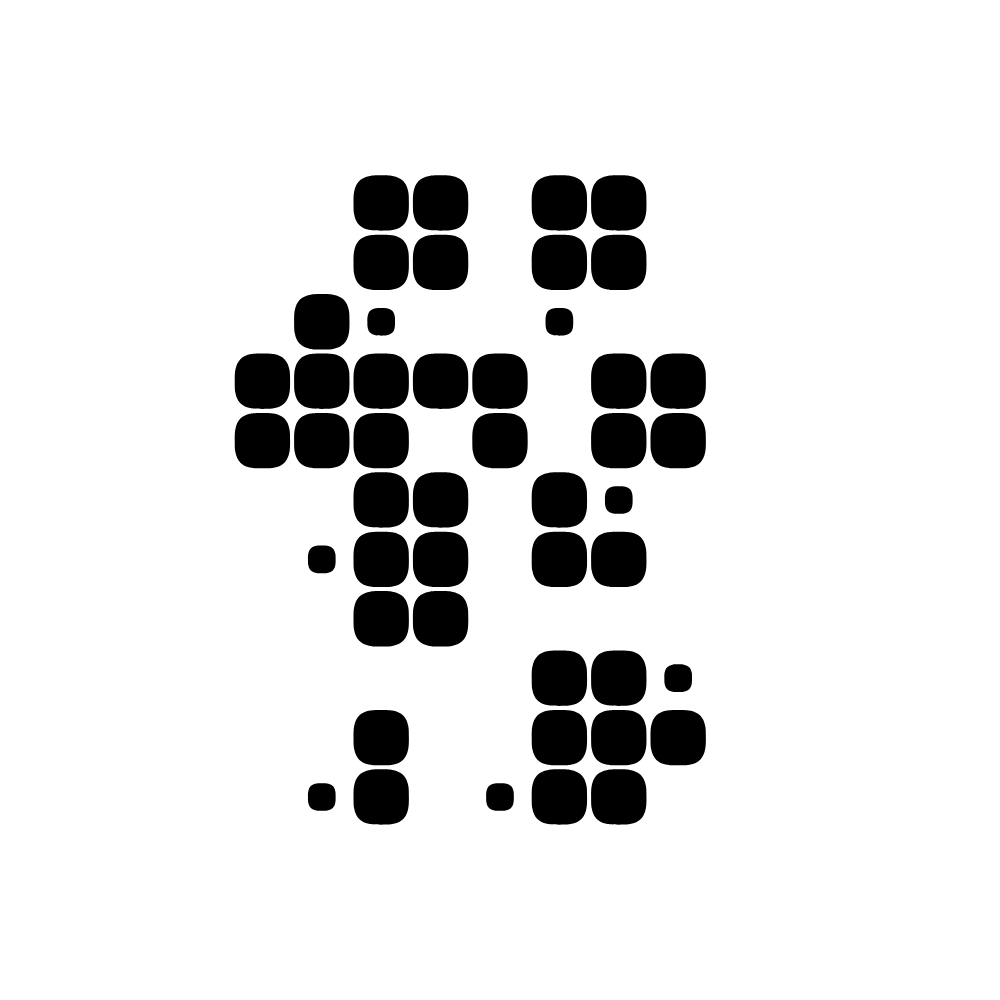
A new Superellipse shape is now available in the Advanced Mode shapes section. Use the Exponent slider to smoothly morph the dot between a diamond, a circle, and a rounded rectangle — all within a single shape type. The visual size stays consistent as you adjust the exponent. The shape is rendered using a custom algorithm that achieves a precise Bézier curve approximation with a minimal number of segments.
April 6, 2026
Custom SVG dot shapes and independent dot rotation
New
🔷 Custom SVG dot shapes
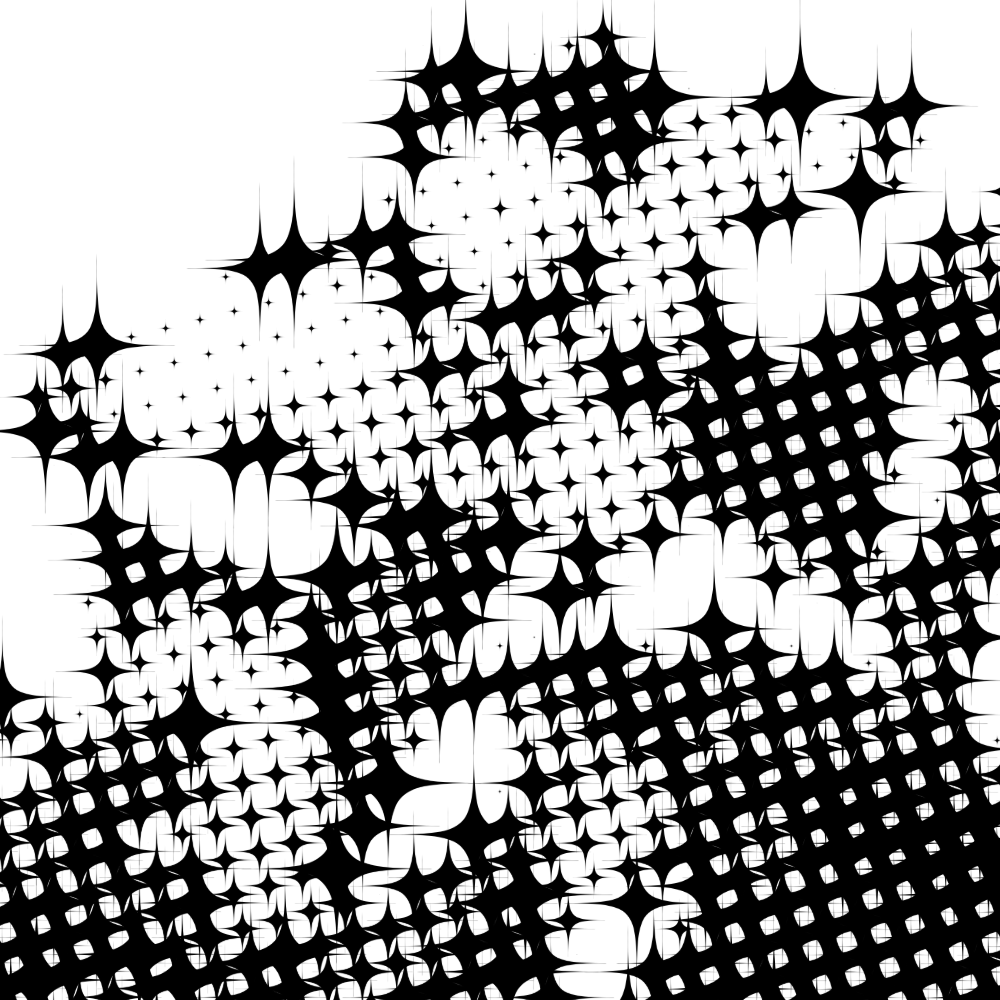
You can now add your own SVG files and use them as dot shapes. Open the new SVG Assets dialog from the toolbar to manage your shapes, browse built-in shape presets, and apply any shape to the canvas with a single click. Assets are stored locally on your device. Drag-and-drop is supported.
🎨 SVG render modes: Silhouette and Use Source Colors
When using a custom SVG shape, choose how it is rendered: Silhouette fills the shape with the dot color for a clean, integrated look, while Use Source Colors preserves the original SVG colors.
🔗 Link Rotation to Grid toggle
A new toggle in the Dot settings lets you decouple dot rotation from grid rotation. When unlinked, the dot rotation value is applied independently rather than added to the grid angle, giving you finer control over the final orientation.
April 4, 2026
Halftone Maker Blog launched
New
📝 Halftone Maker Blog is now open
The Halftone Maker Blog is now live. Release notes and changelog content have been migrated here, and the Changelog link in the app now points to this blog.
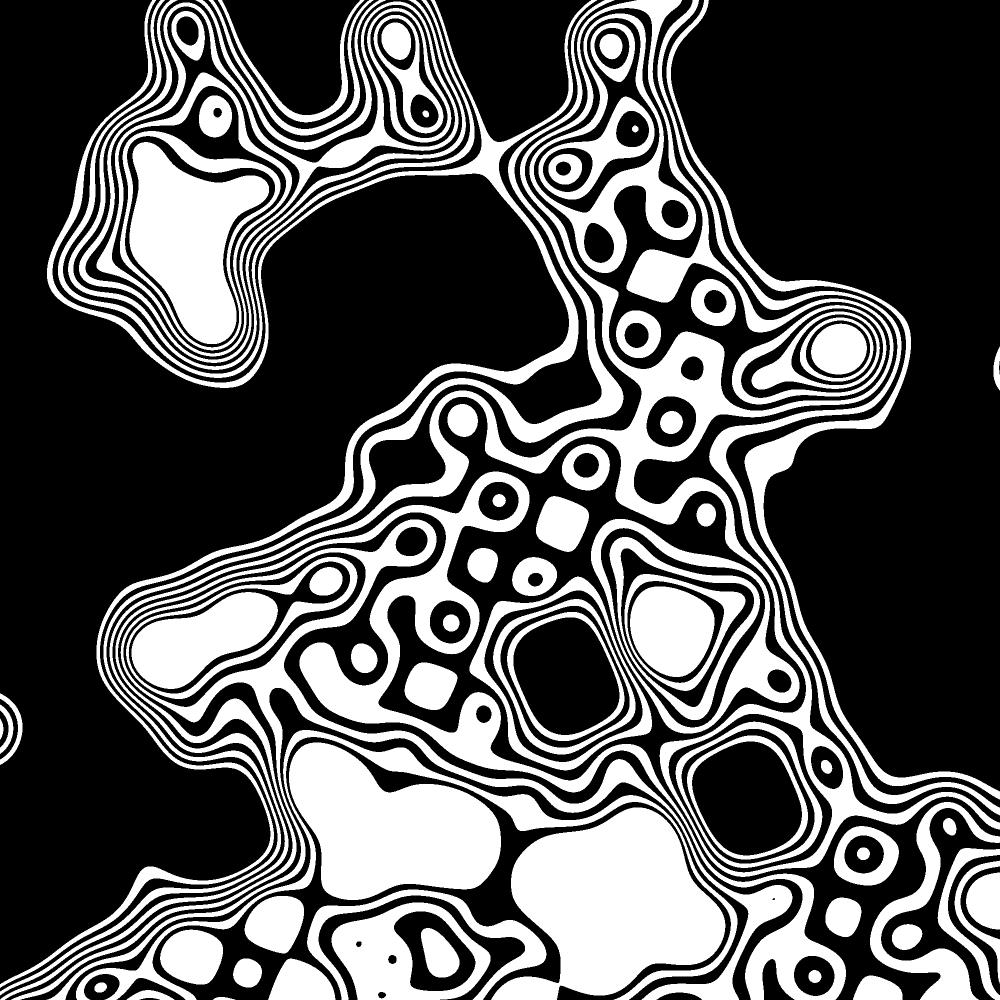
When Pixel Renderer binarization is enabled, a Bands slider (1–15) divides the foreground area into alternating stripes to produce a contour/isoline effect. BandsScale (0.1–20) adjusts the spacing distribution curve, weighting stripes toward highlights or shadows.
🔍 Supersample in preview (Pixel Renderer)
A toggle in the Pixel panel enables supersampling during preview. Off by default — supersampling normally applies at export time only, keeping the preview fast. Turn it on to see the higher-quality result while editing.
Improved
💾 Export dialog persistence
Scale, format, and quality choices in the Export Settings dialog are now remembered between sessions.
Fixed
🔵 Pixel Renderer rendering at low decay rates
Corrected the metaball rendering algorithm for low decay values. Default values updated to decayRate=8 and threshold=0.1.
🖥️ Subscription tab flicker
Fixed flickering caused by double data fetching on the subscription tab.
🖼️ Thumbnail generation
Fixed an issue where thumbnail generation could silently fail before the model was ready.
🤖 Background remover
Fixed image load errors from revoked object URLs during background removal.
📸 Snapshots
Fixed multiple stability issues affecting snapshot saving and loading.
March 6, 2026
Brand refresh
New
🖋️ New logotype
A new SVG wordmark now appears in both the navbar and footer. It automatically inverts in dark mode for proper contrast in both light and dark themes.
✨ Animated logo spinner
Uses spring physics via anime.js for a smooth, natural-feeling entrance animation. A minimum loading duration ensures the animation completes before the studio appears.
Improved
🎨 Favicon and app icons
Updated to the new brand design.
January 29, 2026
Live dot count
New
🔢 Live dot count
A badge on the canvas displays the number of rendered dots and the canvas pixel dimensions, updating in real time as you adjust parameters.
January 1, 2026
Stippling & Floyd-Steinberg dithering
New
✏️ Stippling renderer
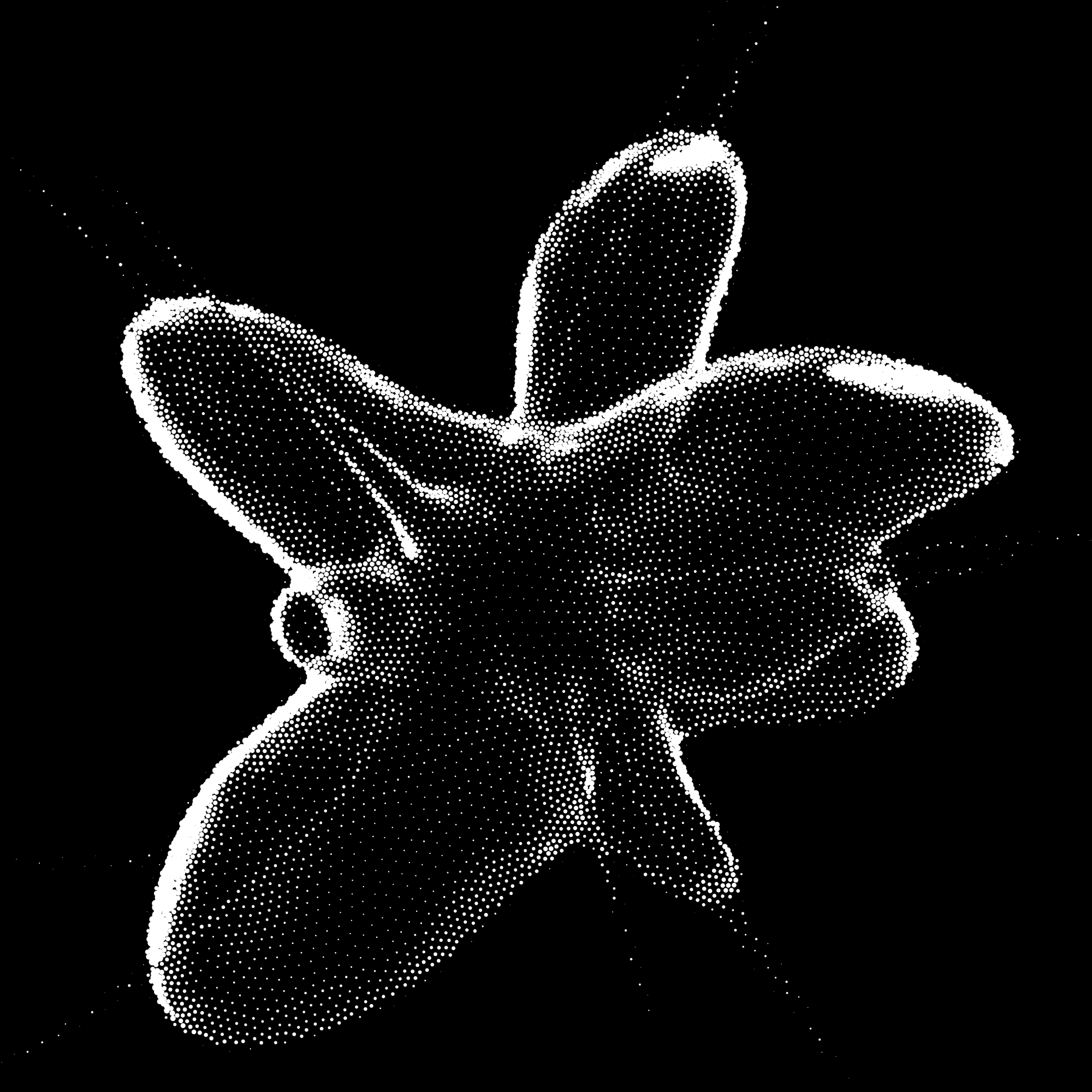
A new rendering mode that places dots based on image luminance using a relaxation algorithm. Adjustable parameters include Spacing, Smoothing Iterations, and Collide Radius range. The result is an irregular, hand-engraved distribution distinct from grid-based renderers.
🔲 Floyd-Steinberg dithering
A new dithering option in the Quantization panel (square grid only). Propagates quantization error to neighboring pixels using error diffusion, producing smoother tonal transitions with less banding than Bayer matrix dithering.
December 9, 2025
SVG direct mode
New
📐 SVG direct mode
A toggle in the Export Settings dialog renders shapes with absolute coordinates instead of SVG defs and transforms. Improves compatibility with some tools at the cost of less efficient processing.
November 28, 2025
Undo/redo, diff highlighting & quantization mix
New
↩️ Undo/redo
Step back and forward through every parameter change with Cmd/Ctrl+Z and Cmd/Ctrl+Shift+Z.
🔍 Diff highlighting
Any parameter that differs from its default value is highlighted in the panel, making it easy to see at a glance what has been changed in each section.
🎨 Preview area background
Choose a solid color or a checkerboard transparency pattern for the canvas background.
🎚️ Quantization mix
A Mix slider in the Quantization panel blends between the original and quantized brightness values, allowing subtler tonal stepping.
October 21, 2025
Spot purchase
New
🛒 Spot purchase
Pay once without a recurring subscription. Choose from 1-month or 1-year access. Available on the Pricing page alongside the subscription plans.
💸 AliPay & WeChat Pay
AliPay and WeChat Pay are accepted at checkout for spot purchases, in addition to card and Link.
October 16, 2025
Grid stretch, contrast & image flip
New
↔️ Grid stretch
Independently scale the halftone grid on the horizontal and vertical axes for non-uniform patterns.
🌓 Contrast adjustment
A Contrast slider has been added to the Adjustments panel.
🔀 Image flip
Horizontal and vertical flip controls have been added to the cropper dialog.
September 29, 2025
Pro plan & Stripe payments
New
⭐ Pro plan
Paid plans are now available via Stripe. Pro unlocks batch export, SVG export, and high-resolution PNG export (up to 6×). Subscribe monthly or annually from the Pricing page.
💳 Payment methods
Card and Link payment are supported at checkout.
🏷️ Promotion codes
Discount codes can be entered at the Stripe checkout page.
▶️ Checkout session resume
If you sign in during the checkout flow, you are automatically returned to where you left off.
⬆️ Upgrade prompts
Pro upgrade prompts are shown directly inside the batch export and export settings dialogs when a Pro feature is selected.
Improved
⚙️ Subscription management
Cancel and resume auto-renewal flows are available from the Account page.
🧾 Automatic tax
Tax is calculated and collected automatically at checkout via Stripe Tax.
September 11, 2025
WASM Gaussian blur
New
⚡ WASM Gaussian blur
Blur is now computed in a WebAssembly module, providing a mathematically accurate Gaussian blur. The app auto-detects the best available method on your device: WASM Gaussian, CSS canvas filter, or StackBlur (always available as a fallback). You can override the selection manually via the Blur Method dialog in the Adjustments panel, and the choice persists between sessions.
August 31, 2025
AI background removal & export settings
New
🤖 AI background removal
Remove the background from any image using AI. The result is a transparent PNG ready to halftone. Requires sign-in; the dialog shows remaining monthly uses and a before/after comparison of the processed image.
⬇️ Export settings dialog
The download menu has been replaced with a dedicated Export Settings dialog. It consolidates file type (PNG or SVG), PNG output scale (up to 6× / 600%), and SVG coordinate precision (2, 4, or 6 decimal places) in one place.
August 20, 2025
User accounts & preset cloud sync
New
👤 User accounts
Sign in with a passwordless email magic link, phone number (OTP), or Google OAuth. Authentication is protected by Cloudflare Turnstile. First-time sign-in shows a welcome message, and your avatar appears in the navbar while signed in.
☁️ Preset cloud sync
Presets saved while signed in are stored in the cloud and automatically synced across all your devices.
↺ Section reset buttons
Each parameter panel now has a Reset button that restores only that section to its default values, leaving all other settings untouched.
Improved
🔲 Standalone quantization panel
Quantization controls have been extracted from the Sampling panel into their own dedicated panel, accessible in Advanced mode alongside Displacement.
⚡ Preset thumbnail caching
Generated preset thumbnails are now cached locally, so they no longer need to be re-rendered each time you open the preset panel.
July 10, 2025
PWA (Offline launch), Advanced mode, displacement
New
📱 PWA support
Install the app to your home screen via the browser prompt. The app launches in standalone mode and works offline.
🔬 Advanced mode
A toggle switch in the settings panel shows or hides less-common parameters. Hidden by default are: Brightness Clamp range, Gradient Intensity, Dot Scale Factor and Stroke, the Character dot style, the Grid Size slider, and the entire Displacement panel.
🌀 Displacement settings panel
Available in Advanced mode. Warp the halftone grid using 2D noise, with controls for displacement type, scale, amount, and offset.
⚫ Pixel Renderer binarization
A toggle in the Pixel panel switches the metaball renderer to a hard binary output, producing crisp black-and-white areas instead of a smooth gradient.
📐 Bounding mode
A new selector in the Adjustments panel controls how the output canvas is sized relative to the source image. Choose from Fit to Square, Fit to Width, or Fit to Height.
May 17, 2025
Pixel renderer, sampling effects & quantization
New
⚡ Pixel renderer
A new Pixel panel adds a metaball-based rendering mode. When enabled, dot shapes are blended together using an influence-radius algorithm, producing smooth, fluid-looking ink areas. Output is PNG only.
〰️ Sampling effects panel
Wave effects (Shift, Triangle Wave, Sawtooth) have been moved to a dedicated Sampling Effects panel, along with new noise controls: Amount, Seed, and Frequency. Noise randomly perturbs dot sizes for an organic, hand-printed look.
🔲 Quantization and dithering
A Quantization toggle in the Sampling panel reduces the number of brightness levels, sharpening tonal steps. When combined with dithering, choose from Bayer matrix patterns at 2×2, 4×4, 8×8, or 16×16 to smooth the transitions.
🌐 Italian language support
Italian has been added to the language switcher.
Improved
✂️ Cropper dialog
Rotate the source image in 90° steps before applying the crop.
⏳ Download spinner
Shown during export so it is clear when a file is being generated.
April 8, 2025
Preset sharing & Brightness normalization
New
🔗 Preset sharing
Select one or more presets and generate a share token to send them to others. Recipients enter the token to import the presets directly into their own preset list. Tokens expire after a set period.
☀️ Brightness normalization
An auto-normalization toggle has been added to the Adjustments panel. When enabled, the Clamp range is automatically fitted to the actual brightness levels of your image, so you no longer need to adjust it manually.
🌏 Korean language support
Korean has been added to the language switcher, bringing the total to 11 supported languages.
🖼️ Artwork info panel
The default source image now shows an info panel with the artist name and copyright details. Hover over it for the full attribution tooltip.
March 25, 2025
Multilingual UI, batch export, preset management
New
🌍 Multilingual UI
The UI is now available in 10 languages: English, Japanese, German, Spanish, French, Portuguese, Russian, Hindi, Bengali, and Arabic. The language is detected automatically from your browser settings, with a manual switcher in the navbar.
📦 Batch export
Process multiple images at once using your current halftone settings. Select from PNG, PNG (2×), or SVG output and download all results together as a ZIP file.
📋 Preset management
Presets now support individual deletion and bulk selection. Each preset displays a thumbnail preview, and the list is sorted by last modified date.
〰️ Wave shift
A Shift slider has been added to the Sampling panel. It offsets the phase of the wave effect, giving more variation when combined with the Triangle Wave and Sawtooth controls.