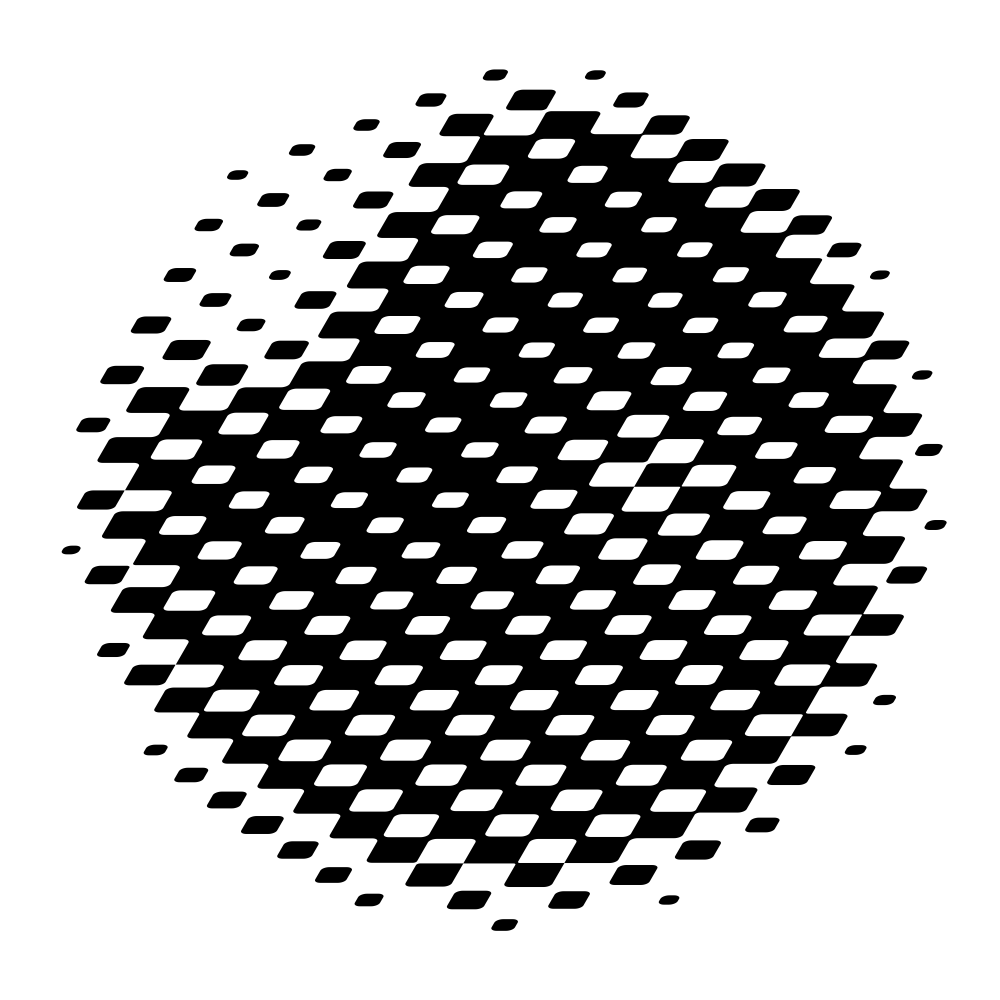
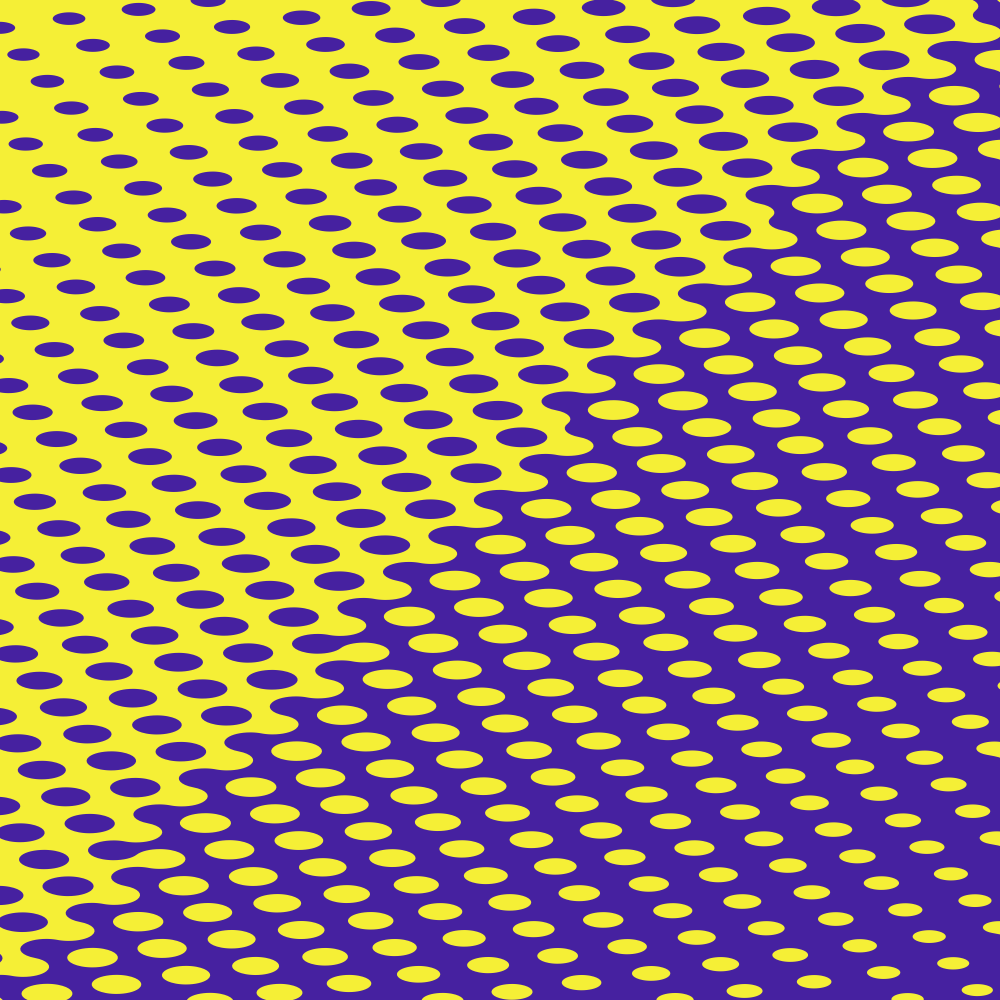
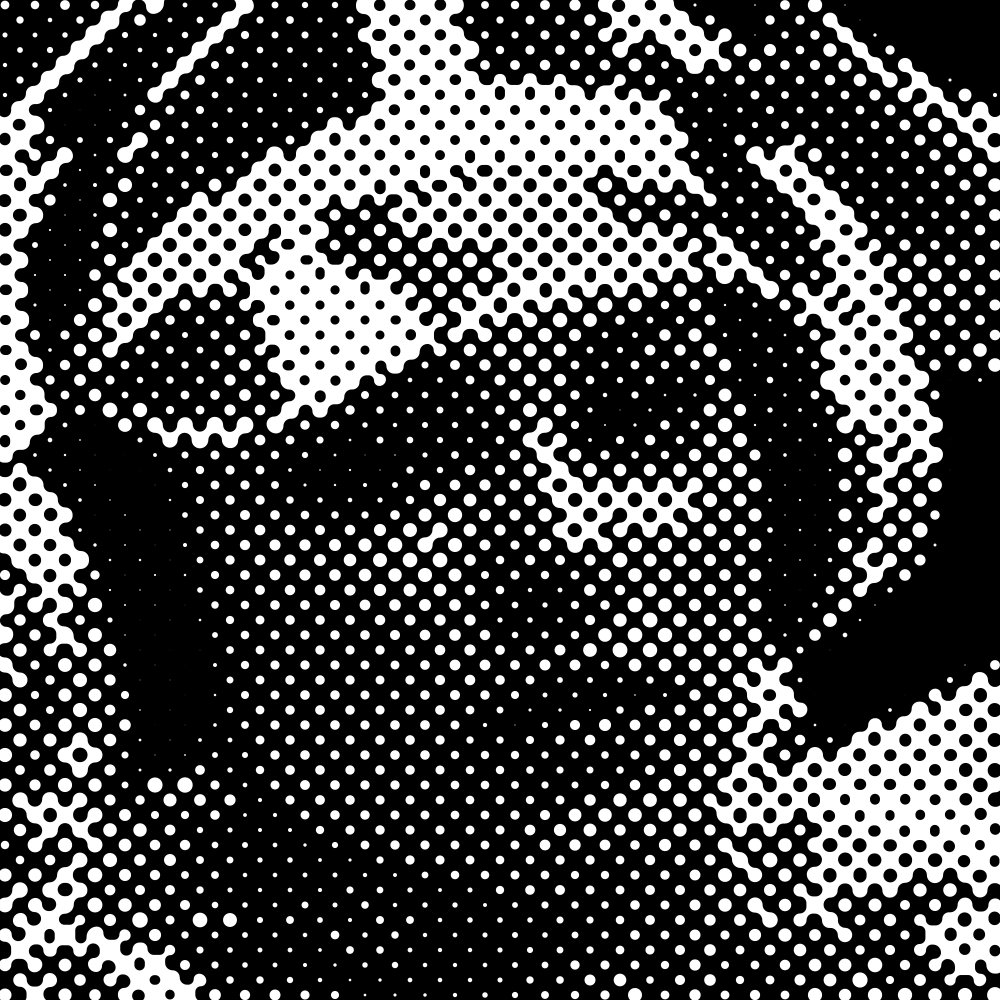
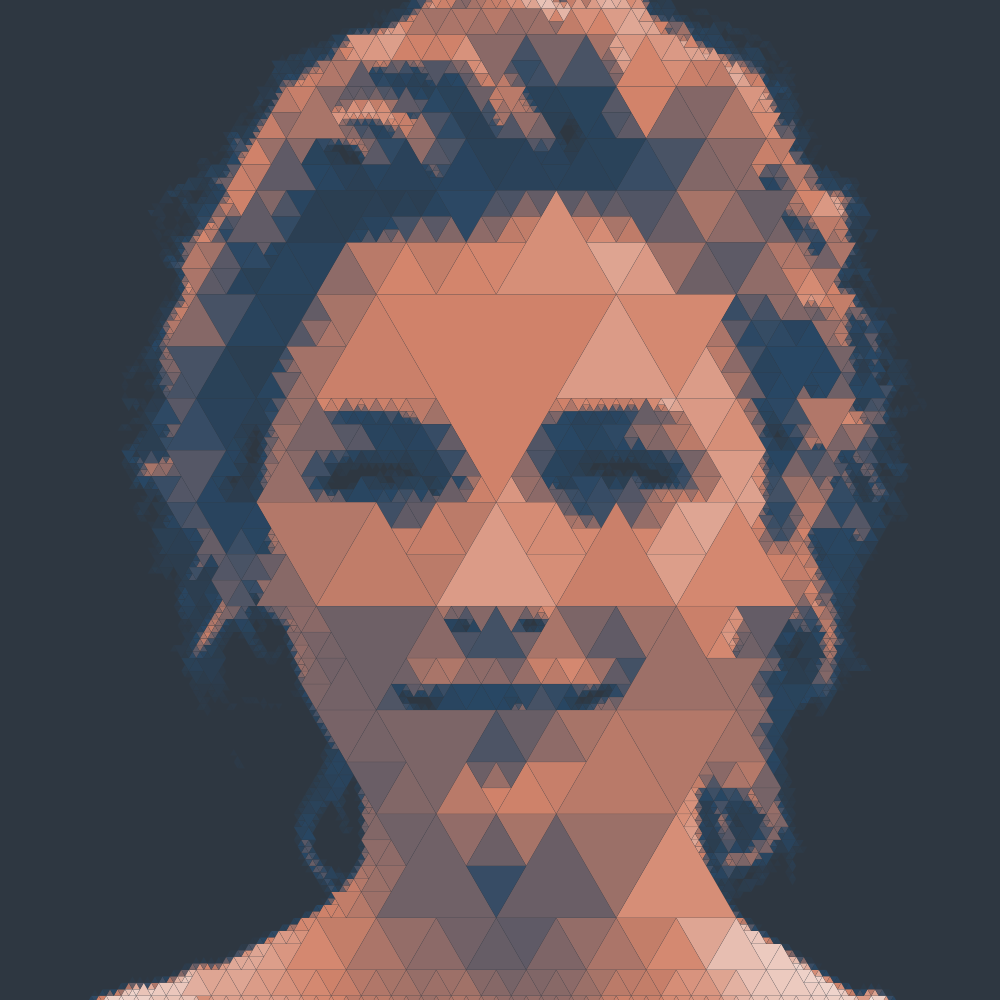
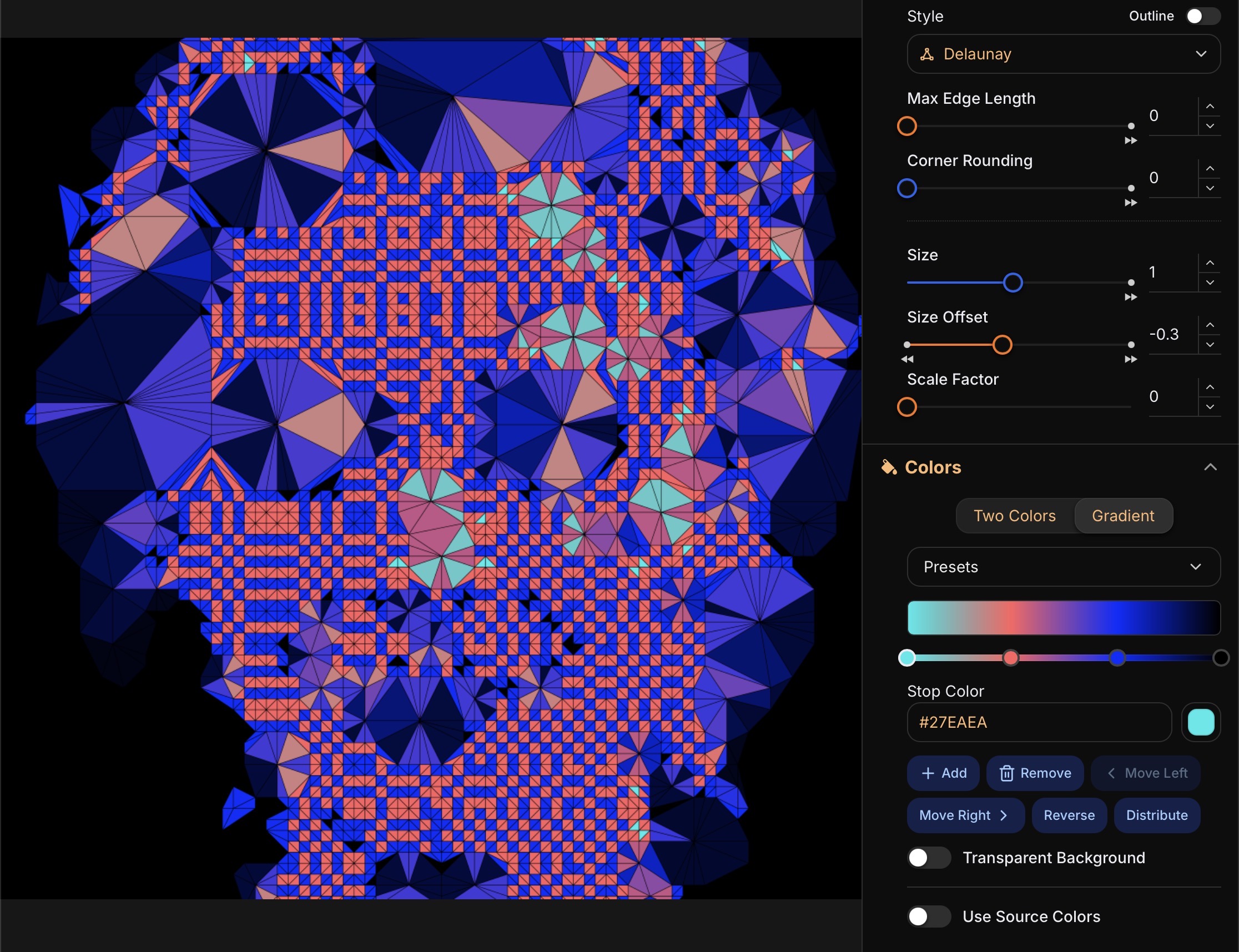
A new Skew slider in the grid panel slants the grid and its marks, giving your artwork an italic lean. It works alongside Stretch, and both now share one Deform Axis so you can point the effect in any direction.
Improved
〰️ Line Style Follows Grid Deformation
Lines now stretch and skew with the grid instead of keeping a uniform width, so their strokes thicken and lean along with the rest of your artwork. Turn it off with the "Deform with Grid Stretch and Skew" switch in the Line panel.
September 5, 2026
A New Engine for Background Removal
Improved
✂️ Cleaner Cutouts From Background Remover
Background Remover now runs on a new engine that separates subjects from their background more accurately.
August 30, 2026
SVG Cropping Fix
Fixed
✂️ SVG Images Were Not Cropped Correctly
Cropping an SVG did not produce the result you selected. It now crops correctly.
August 28, 2026
Clearer Answers When an Image Won't Load
Improved
🖼️ Unsupported Files Now Name Their Format
Dropping a camera RAW or another file your browser cannot decode used to end in "Please try again" — advice that was never going to work for that file. The message now names the format and tells you to export the photo as JPEG or PNG, and it shows up whichever way you loaded the file: drag and drop, the file picker, or paste.
Fixed
🎨 Duo Colors Panel with Site Data Blocked
If your browser blocks site data, opening the Duo Colors panel took it down entirely. It now works there, keeping the contrast slider where you set it and showing the recent colors row as usual.
📋 Pasted Images Rejected as a Clipboard Failure
Pasting an image could fail with "Failed to load from clipboard" even though the clipboard held a perfectly good image, depending on which app or extension it came from. Those images now load.
August 26, 2026
QR Data Stays on Your Device
Improved
🔒 Your QR Data Is No Longer Part of a Preset
What you encode in a QR code is often personal — a private link, a vCard, Wi-Fi credentials — but it was saved along with your settings, so it travelled with any preset you shared. The Data field is now kept on your device alone: loading a preset or resetting the panel leaves it untouched, and it is still there when you reload the app.
August 25, 2026
QR Codes Made of Halftone Marks
New
🔳 QR Code Grid
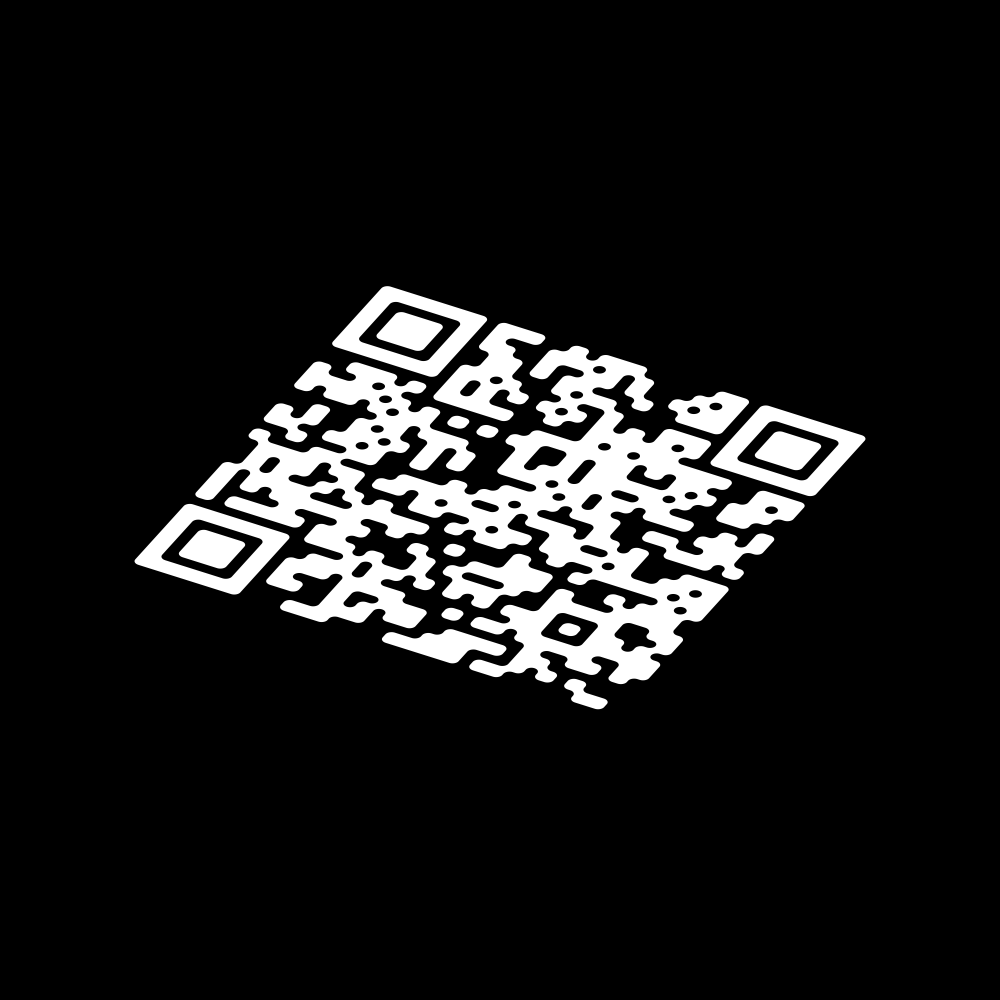
A new QR Code grid type arranges the marks so that their positions spell out a real, scannable QR code — one mark per dark module — while your image still comes through in how those marks are toned and sized. Enter the text or URL to encode in Grid settings, along with the version and error-correction level, and shape the result with rotation, stretch and the usual styles. Readability is not guaranteed, so scan the output to check it before you use it.
August 24, 2026
Crops at the Exact Size You Asked For
Improved
📐 Grid Rotation No Longer Swings the Stretch Angle
Rotating the grid used to turn the stretch axis along with it, so dialing in a rotation quietly changed the direction of the stretch as well. The stretch angle is now measured against the canvas by default, and the Stretch Follows Grid Rotation switch in Grid settings ties the two back together when you want that.
Fixed
🖼️ Crops No Longer Come Out a Pixel Short
A crop could lose up to a pixel on each side, so a locked 1:1 selection came out as 1999x2000 instead of a square, and other aspect ratios landed slightly off the shape you set. Crops now snap to whole pixels, giving you the exact size you selected and a pixel-for-pixel copy instead of a faintly resampled one.
🌐 The Language Suggestion Dialog Now Speaks the Language It Offers
The "This app speaks your language" dialog always appeared in English, which made it least readable for the people it was meant for. It now shows up in the language it is offering to switch you to.
August 23, 2026
Auto-Fit the Crop to Your Artwork
New
🎯 Auto Fit
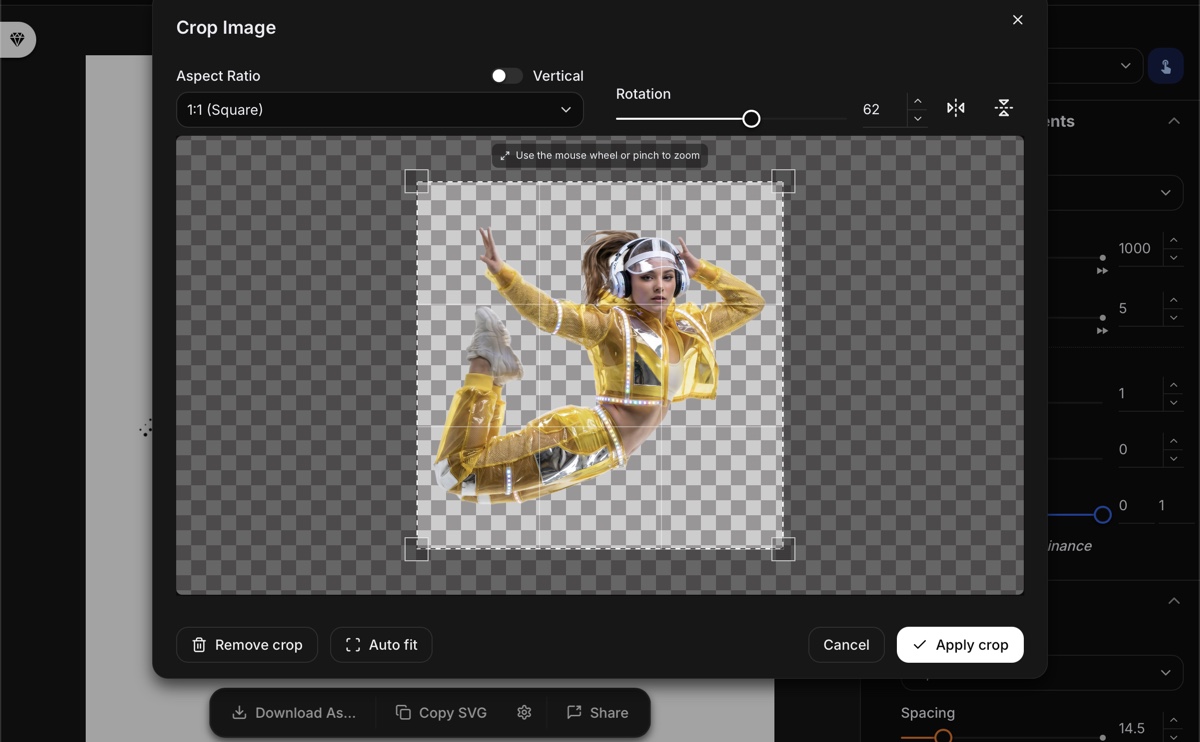
The crop dialog's new Auto fit button frames the selection around whatever is actually drawn in the image, taking the top-left pixel as the background color, so a logo or an illustration on a flat backdrop no longer has to be boxed in by hand. It follows the rotation and flips you have applied, and says so when the image turns out to be a single flat color.
Improved
🔄 Rotation and Flipping Now Pivot on the Crop Selection
In the crop dialog, rotating or flipping used to turn the image about its own center, pushing whatever you had framed off to the side so you had to pan it back. Both now pivot on the center of your crop selection, so the part you are framing stays under the selection while the image turns around it.
August 21, 2026
Even Tone Where Liquid Marks Merge
New
🌊 Even Merge Tone for Liquid
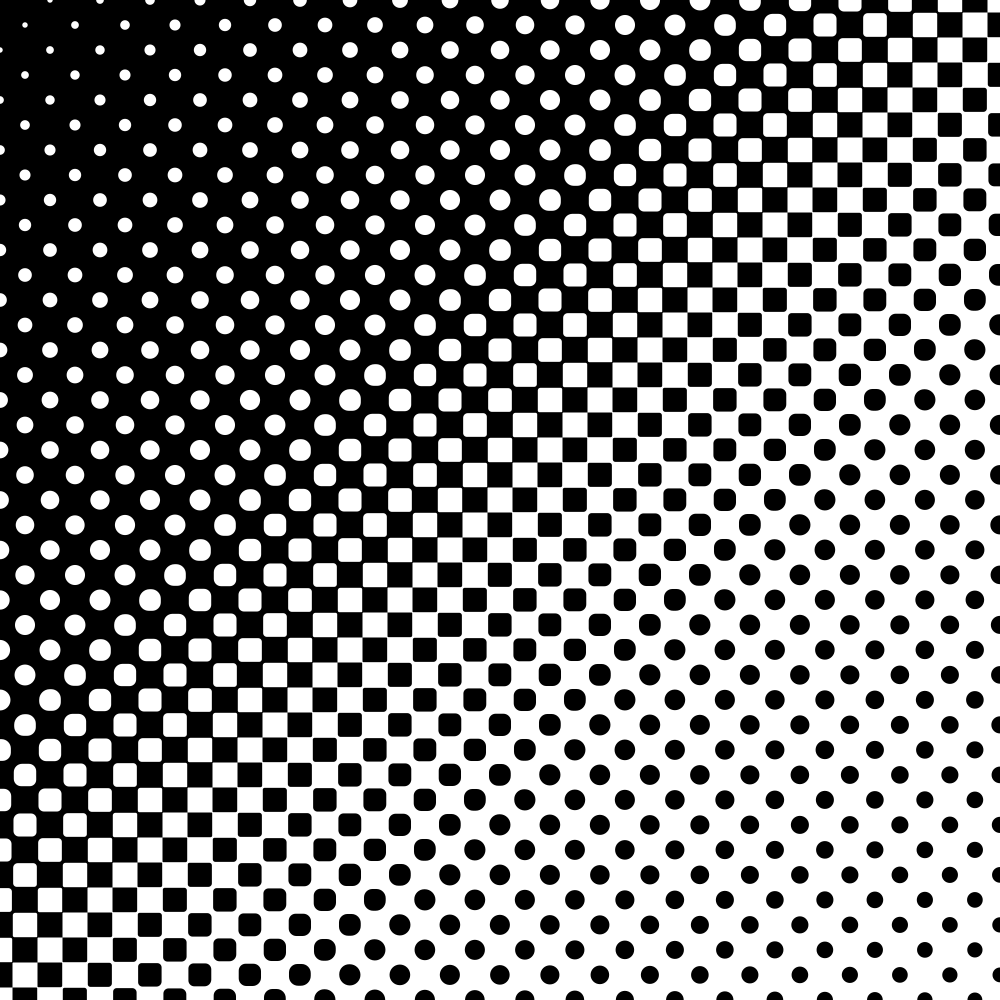
Rounding the corners of Liquid marks left a hard jump in density right where neighboring marks merge, splitting the tone range into two mismatched halves. The new Even Merge Tone switch in Shape settings tapers the rounding away at that point so a gradation runs smoothly from highlights to shadows.
📈 Size Response
A new Size Response slider in Shape settings curves how tone maps to mark size, so midtones no longer read under-covered — 0 keeps the previous behavior, 1 makes a mark's area directly proportional to tone, and 2 lifts it further still. It shapes line width the same way it shapes dot size. Available in Advanced mode.
Improved
🎚️ Scale Factor Without Advanced Mode
Scale Factor — how much of the tone reaches mark size — and its line-mode counterpart Level Scale are now always shown in Shape settings instead of only in Advanced mode.
💡 Info Tips on the Size and Detail Controls
Size Response, Size Offset, Scale Factor, Level Mask, Detail Range, Detail Boost and the non-linear spacing switch now each carry an ⓘ tip spelling out what the control does and what its values mean.
⚡ Faster Size Slider Drags on Stippling Grids
On a Stippling grid, dragging Scale Factor or Level Scale rebuilt the entire point cloud on every frame, making the sliders stutter on dense stipples. They now recompute only what the mark size actually depends on.
August 20, 2026
Marks That Follow the Grid Stretch
New
↔️ Follow Grid Stretch
Stretching the grid now stretches the marks with it, so circles turn into ellipses and squares into rhombuses and the whole artwork reads as one non-uniformly scaled drawing instead of round dots drifting apart. It is on by default and can be turned off with the new Follow Grid Stretch switch in Shape settings to keep the marks undeformed. Your photo is never distorted — only the marks are.
August 19, 2026
Toolbar Icon Fix on Older iPhones
Fixed
🔧 Toolbar Icons No Longer Blow Up on Older iOS
On older iPhones and iPads, the toolbar icons rendered far larger than their buttons and spilled over the surrounding layout, making the toolbar hard to use. Icons are now sized correctly on those devices.
August 18, 2026
Faster Loading & Contained Errors
Improved
⚡ The App Starts Up Faster
The opening screen now downloads far less before it is ready: the editing engine is fetched when you press Start, only your own language's text is loaded instead of all 17, and font downloads dropped from seven files to one. The pricing and account pages open faster too, showing their layout immediately rather than a blank wait.
Fixed
🛡️ A Failed Panel No Longer Wipes Out Your Artwork
An error inside one of the toolbar panels used to replace the whole app with a plain English-only error page, taking your artwork with it. It now stays contained to that panel with a "Try again" button, and everything else keeps working.
August 17, 2026
Liquid Shape
New
💧 Liquid — Dots That Melt Together
The new Liquid shape draws each dot as a diamond and fuses touching dots into flowing, connected forms, so darker areas pool into single organic masses. Start from the Liquid button in the toolbar, or pick it from the shape list while the Square grid is active, then use Corner Rounding to soften both the outer tips and the notches where dots merge.
August 16, 2026
Corner Rounding for Square, Triangle & Polygon
New
🔲 Round the Corners of Any Shape
Corner rounding used to be available only for the Delaunay shape. A single Corner Rounding slider now appears for the Square, Triangle and Polygon shapes as well, letting you soften their corners anywhere from sharp to fully rounded.
Improved
🟣 Smoother Superellipse Curves
The Superellipse shape now draws with genuinely smooth outlines and no visible kinks where its segments meet, across the full range of its roundness setting.
🎨 Wider Contrast Range for Color Swatches
The Swatches contrast slider now reaches further in both directions, so you can make the two-color palette noticeably softer or higher-contrast than before. The standard setting is unchanged.
📐 Smoother Control Panel Scrolling on Tablets
On tablet-sized screens the parameter panel now keeps a fixed height with an always-visible scrollbar, so you can scroll through the controls the same way you do on a phone.
Fixed
📱 Saved Images and Snapshots No Longer Silently Fail on iOS
On iPhone and iPad — especially in Safari private browsing — cached images and saved snapshots could silently fail to store, leaving the app looking as though nothing had been saved. They now persist reliably.
August 12, 2026
Polygon Shape & a New Landing Screen
New
🔺 One Polygon Shape, From Triangle to 12-Point Star
The Hexagon and Hexagram shapes are now a single Polygon style with a side-count slider (3 to 12) and a star toggle, so you can render triangles, pentagons, octagons and N-pointed stars from one control.
Improved
🚪 The App Waits for You to Press Start
Opening the page no longer launches the app on its own — a landing screen comes first, so you don't start it by accident. You can choose to skip the landing on future visits, and turn it back on later.
🎛️ Presets Now Show the Advanced Controls They Use
Loading a preset in Simple mode could leave advanced settings active with no control on screen to see or adjust them. The controls a preset actually changes now appear, marked in italics, without switching the whole interface to Advanced.
August 11, 2026
Gradient & Color Upgrades, Fractal Region Merging
New
🎨 Harmonize Your Gradient in One Click
A new Harmonize button in the Gradient Map editor snaps your color stops onto a matching color-theory scheme (complementary, analogous, triadic, and more) in a single click.
🖼️ Source Color Mode
A new Source color mode samples the original photo's colors for each dot, with Lightness Clamp and Vibrance sliders to tune how bright and saturated those sampled colors appear.
🔷 Choose a Region-Merging Strategy
When region merging is on, a new Strategy control lets you pick Fractal — which tiles the grid into clean, nested blocks that align with the dot shape — alongside the existing Greedy merging.
Improved
🌈 Smoother Gradient Blends with OKLCH
The Gradient Map now offers OKLCH interpolation for perceptually smooth, natural transitions between color stops, and the built-in presets (Rainbow, Thermal, Sunset, Neon…) have been updated to use it.
August 10, 2026
Sharper Mask Outlines & a Smarter Incircle
Improved
✂️ Smoother, Faster Mask Outlines
Mask outline tracing has been rebuilt to produce smoother, more accurate outlines that keep sharp corners crisp, and it now adds a Tracing Mode switch (Faithful or Geometric) and a Corner Threshold control. Tracing also runs in the background, so the app no longer freezes while a mask is generated.
⭕ One Incircle Shape That Fits Your Grid
The two separate Incircle shapes (Hexagonal and Square) are now a single Incircle style that automatically fits itself to whichever grid you're using, so you no longer have to match the variant to your grid by hand.
August 9, 2026
Share to Social Apps
New
📤 Share Your Artwork Straight to Social Apps
A new Share button on mobile sends your rendered halftone to the device's share sheet, so you can post it to a social or messaging app without saving the file first.
Fixed
💬 Tooltips Work Properly on Touch Devices
Fixed tooltips on phones and tablets opening unreliably and, once open, not closing when you tapped again — a tap now reliably shows and dismisses them.
August 8, 2026
Preset Gallery
New
🖼️ New Preset Gallery
A new preset gallery lets you browse a curated set of ready-made looks as thumbnails and apply any one to your image with a single click. It's free for everyone.
Improved
🌗 Better Tonal Balance on High-Contrast Images
Tonal normalization now ignores a tiny fraction of the very brightest and darkest pixels before stretching contrast, so a single bright highlight or a stray hot pixel no longer washes out the whole range and your image keeps balanced dot coverage.
Fixed
🎨 Applying a Preset No Longer Renders Stale Colors
Fixed applying a preset, restoring a snapshot, or using undo and redo sometimes drawing with the previous settings' colors before catching up.
August 7, 2026
Gradient Map Color Mode
New
🌈 New Gradient Map Color Mode
A new Gradient color mode paints your halftone across a full multi-color gradient instead of just two colors, mapping dark-to-light tones through as many color stops as you like. A built-in editor lets you add, move, recolor, reverse, and evenly distribute stops, pick from ten ready-made gradients like rainbow, thermal, sepia, ocean, sunset, and neon, and save your own gradients to reuse later — and the gradient carries through to SVG export.
Improved
🎨 Blob Shape Colors Each Blob From Your Image
The Blob shape used to fill its whole outline with one flat color, ignoring Use Source Colors and gradients; now every separate blob takes its own color from the image region beneath it, so blobs reflect real color and tone.